


快速搜索
开放式耳机
快速搜索
开放式耳机




The Big Picture
Immersive 14.25" Display
Tailor-made for Drawing
Next Level Tablet Experience

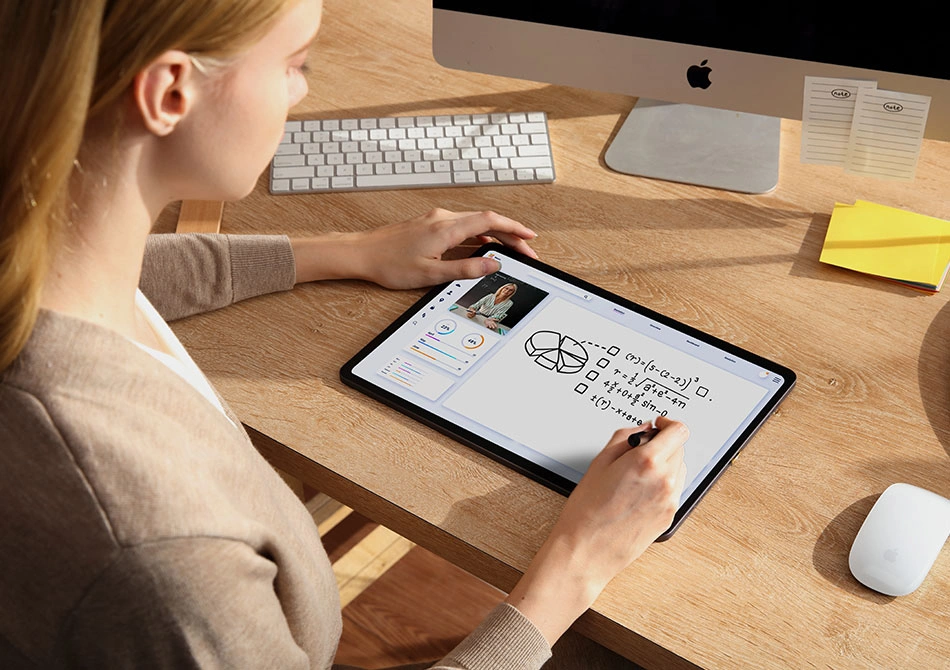
Redefine the tablet experience with the Fun Drawing Pad UT3.
Enjoy an unparalleled tablet experience
with a 14.25-inch NanoMatte canvas and U-Key for seamless mode switching.
Dive into a world of immersive creativity with UT3 - welcome to the Big Screen Era.
Immersive 14.25’’ Display
More Space for More Possibilities

U-Pencil Included
Sleek Design with Skin-like Coating;
Dual-Button for Boosted Efficiency

PaintPal + Pre-installed Drawing Apps
Instant Creation, Instant Fun


Certified Comfort
for Your Eyes
TÜV Rheinland Eye Comfort Certification
Draw Longer, See Better
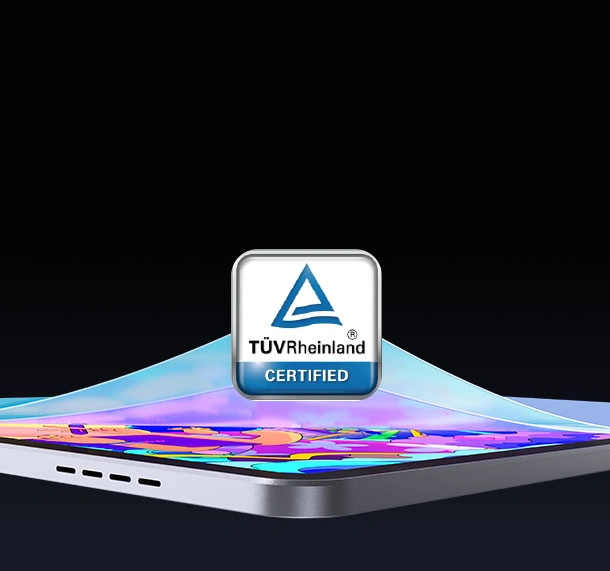

NanoMatte Finish
Feels Like Paper

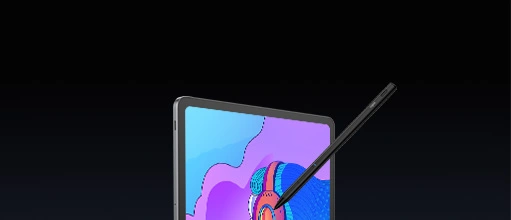
U-Key for Color Mode Switching
Regular/Color Paper/Ink Paper3 Color Modes in 1 Powerful Tablet

6nm 8-Core CPU
Multitask Master

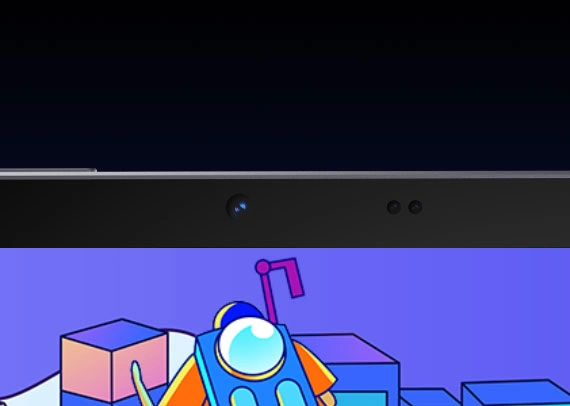
13 MP Front Camera
HD Video Calling & Video Recording

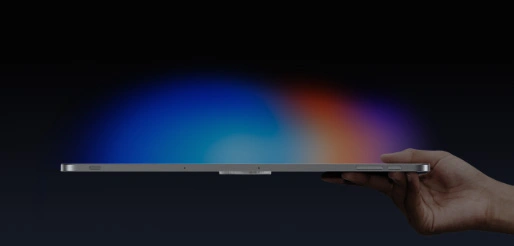
Big Ideas, Light Load
6.95mm & 760g

Power That Lasts
10000mAh+33W PD Charging


Now
That's a BIG Deal.
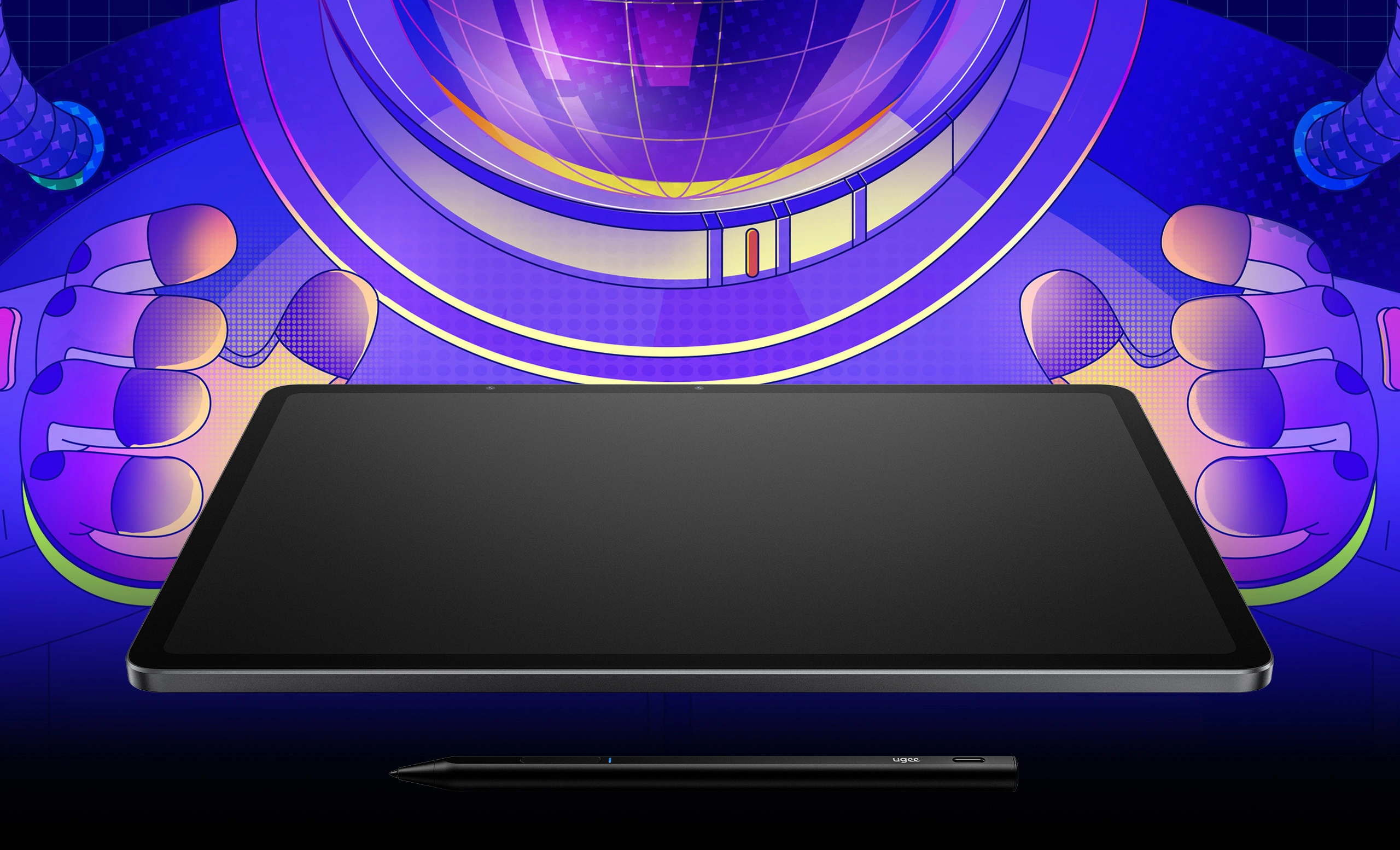


Next-level Tablet Experience.
More space to sketch, design, and bring your ideas to life with stunning clarity and detail.

14.25"
Display

2400*1600
Resolution
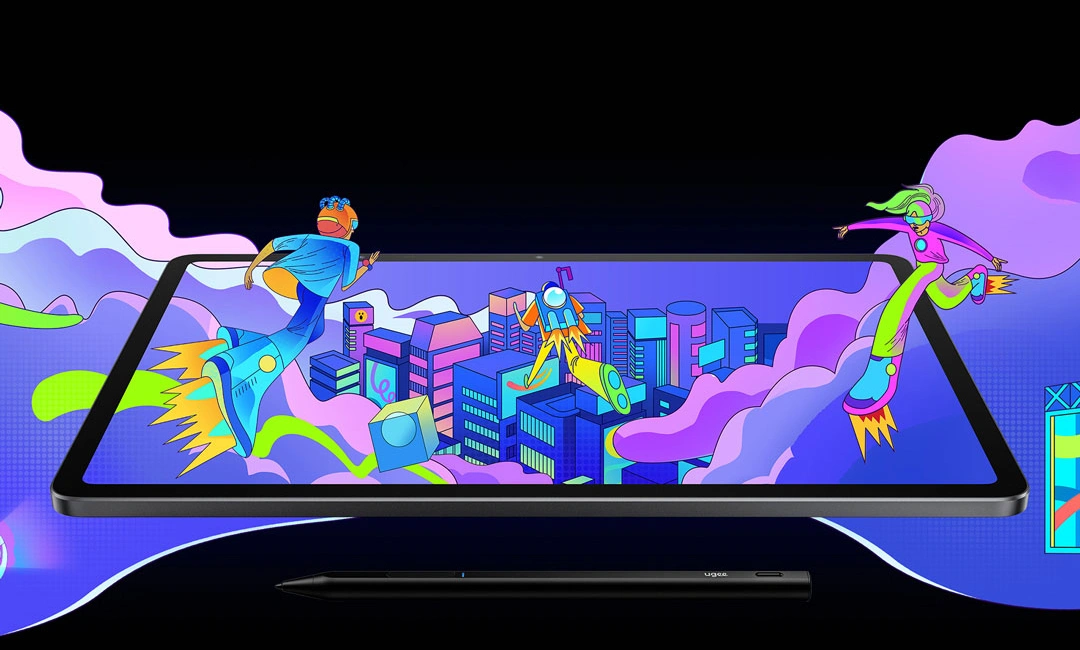
Your creation and entertainment on the go.
Enjoy the best of both worlds with an ultra-large screen and an incredibly lightweight design.

As thin as
6.95mm

As light as
760g


Seeing is Believing

Say goodbye to slippery surfaces and harsh glare. Introducing NanoMatte - a paper-like onscreen texture that delivers an immersive drawing and writing experience with extra comfort. It effectively filters harmful blue light*, reduces glare, and ensures a crystal-clear display even under strong lighting conditions.


*Lab Tested Results. Actual Performance might differ due to various envinronments.

Reduce blue light by approx.
61%

Feels like paper

Anti-glare
Drawing, Writing, Reading, Video Streaming...
What's your favorite thing to do with UT3?
EVERYTHING. With the help of the U-Key,
you can now enjoy every activity to the fullest.
Our latest innovation allows you to effortlessly
switch between 3 distinct color modes,
offering next-level comfort and an unparalleled experience.


Regular
Color Paper
Ink Paper
Level Up Your
Creating Experience
with U-Pencil


U-Pencil
Precision and Comfort,
All in the Package


Ergonomic design with skin-like coating
Weighs only 13g


Enjoy effortless and efficient creation with the dual-button
130h Battery Life
4096 Pressure Levels
20ms Low Latency ±0.5mm
±0.5mm Accuracy
≤10g Initial Activation Force

Paint with Ease.
Imagine
without Limits.

Your Personal Art Assistant

Multiple drawing tools available
With pressure sensitivity support
Turn your creative sparks into visible reality
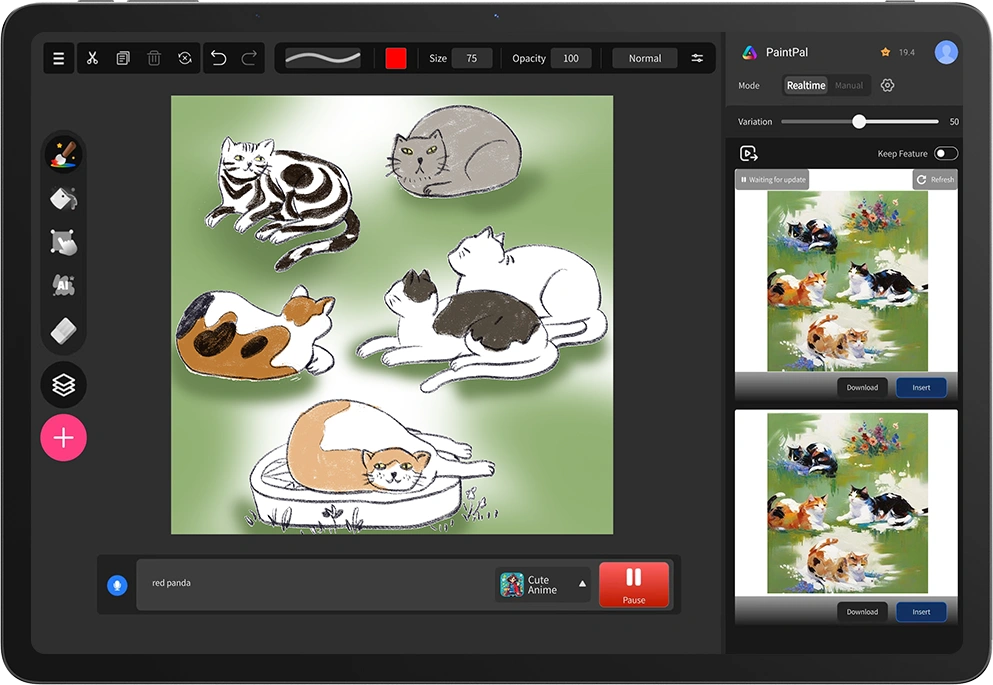
Easily enhance your artistic creations by
adding image materials
Access a vast image library or elevate your
everyday photos into refined, distinctive works of art


PaintPal + Pre-installed Drawing Apps
Always here for your wildest dreams and inspirations


Built to Perform.

6nm 8-Core CPU Inside
Excels at every task; next-level productivity and performance

Equipped with the latest Android 14 system
Enhanced compatibility, usability, accessibility, and privacy
13MP Front Camera
Crystal Clear Video Calls and Stunning Selfies
8MP Rear Camera
Capture Every Beautiful Moment

2 Microphones + 4 Speakers
Clear Conversations and Dynamic Sound
8GB RAM+256GB ROM
Ready for Heavy Tasks and Ample Files


Draw non-stop for over 13 hours*
Enjoy online streaming for over 12 hours*

*Lab-tested results. Actual performance may differ due to different environments.
Refined Metal Finish
A Testament to Elegance

Smart Folio Included*
Elevate Your Tablet Experience

OTG Supported
Connect Your Devices Instantly

*Included in the package. No additional purchase needed
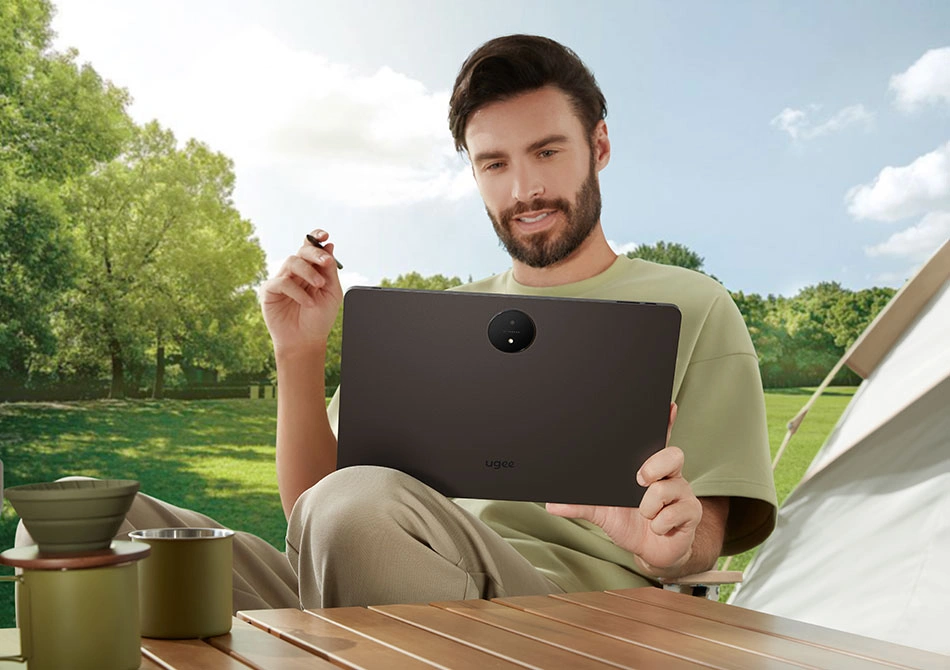
Embark on an Artistic Journey
Embark on an Artistic Journey

Embark on an Artistic Journey

Embark on an Artistic Journey

Embark on an Artistic Journey

Embark on an Artistic Journey

Embark on an Artistic Journey

Embark on an Artistic Journey
| Linux系统 | 版本号 | 安装包格式 | 支持的绘图软件 |
| Arch | Arch Linux2019.12.01(64-bit) | .deb, .sh | GIMP, Krita |
| Centos | Centos7.0(64-bit) | .rpm, .sh | GIMP |
| Centos8(64-bit) | .rpm, .sh | GIMP, Krita | |
| Debian | debian-9.5.0-amd64-netinst(64-bit) | .deb, .sh | GIMP, Krita |
| elementary OS | elementary OS 5.0(64-bit) | .deb, .sh | GIMP, Krita |
| ezgo Linux | ezgo14(64-bit) | .deb, .sh | GIMP, Krita |
| Fedora | Fedora32(64-bit) | .rpm, .sh | GIMP, Krita |
| Mageia | Mageia-7.1(64-bit) | .rpm, .sh | GIMP, Krita |
| Manjaro | manjaro-xfce-20.1.2-201019(64-bit) | .deb, .sh | GIMP |
| Mint | linuxmint-18.2-cinnamon-64bit | .deb, .sh | GIMP, Krita |
| OpenSUSE | openSUSE-Tumbleweed(64-bit) | .rpm, .sh | GIMP, Krita |
| Pop!_OS | pop-os_19.10(64-bit) | .deb, .sh | GIMP, Krita |
| Red Hat | Red Hat7(64-bit) | .rpm, .sh | GIMP |
| Ubuntu | Ubuntu14.04(64-bit) | .deb, .sh | GIMP, Krita |
| Ubuntu16.04(64-bit) | .deb, .sh | GIMP, Krita | |
| Ubuntu17.04(64-bit) | .deb, .sh | GIMP, Krita | |
| Ubuntu18.04(64-bit) | .deb, .sh | GIMP, Krita | |
| Ubuntu19.04(64-bit) | .deb, .sh | GIMP, Krita | |
| Ubuntu20.04(64-bit) | .deb, .sh | GIMP, Krita |
| 功能 | Krita 4.3.0 | Gimp 2.10.20 | Inkscape 0.92 |
| 压感 |  | |  |
| 侧锋 | | | / |
| 鼠标功能 | | | |
| 橡皮擦按键 (笔:PH01) | | | |
| 切换笔和橡皮擦 | | | |
| Compatibility list of other systems | |||
| Mode Switch | |||
 |  |  | |
| System | Turn off Touch function | Turn on Pen Priority mode | Turn on both Pen and Touch functions |
| Windows | Support | Support | Support |
| Mac | Support | Support | Not supported |
| Android (List of compatible Android devices) | Support | Support | Not supported |
| Touch Gesture | |||
| Single-finger | Two-finger | Multi-finger | |
| Windows | Support | Support | Not supported |
| Mac | Support | Not supported | Support |
| Android | Support | Support | Not supported |
| Compatibility list of other systems | |||
| Mode Switch | |||
| Turn off Touch function | Windows: support Mac: support Android (List of compatible Android devices): support | ||
| Turn on Pen Priority mode | Windows: support Mac: support Android (List of compatible Android devices): support | ||
| Turn on both Pen and Touch functions | Windows: support Mac: not supported Android (List of compatible Android devices): not supported | ||
| Touch Gesture | |||
| Single-finger | Windows: support Mac: support Android: support | ||
| Two-finger | Windows: support Mac: not supported Android: support | ||
| Multi-finger | Windows: not supported Mac: support Android: not supported | ||
| Android 设备兼容列表 | |
| HUAWEI Mate 10 | Samsung Galaxy Note8 |
| HUAWEI Mate 10 Pro | Samsung Galaxy Note9 |
| HUAWEI Mate 20 | Samsung Galaxy Note10 |
| HUAWEI Mate 20 Pro | Samsung Galaxy Note10+ 5G |
| HUAWEI Mate 20 X | Samsung Galaxy S8 |
| HUAWEI Mate 30 Pro | Samsung Galaxy S8+ |
| HUAWEI Mate 40 | Samsung Galaxy S9 |
| HUAWEI Mate 40 Pro | Samsung Galaxy S9+ |
| HUAWEI Mate 30E Pro 5G | Samsung Galaxy S10 |
| HUAWEI P30 | Samsung Galaxy S10+ |
| HUAWEI P30 Pro | Samsung Galaxy S10e |
| HUAWEI P40 | Samsung Galaxy S20 Ultra 5G |
| HUAWEI P40 Pro | Samsung Galaxy S20 FE 5G |
| HUAWEI P40 Pro+ | Samsung Galaxy S20 |
| Honor V20 | Samsung Galaxy S20+ |
| Honor 30 Pro+ | Samsung Galaxy A90 5G |
Copyright © 2022 深圳汉王友基科技有限公司 粤ICP备09115532号 |  粤公网安备 44010602003995号
